Microsoft
Editing in OneDrive Photos
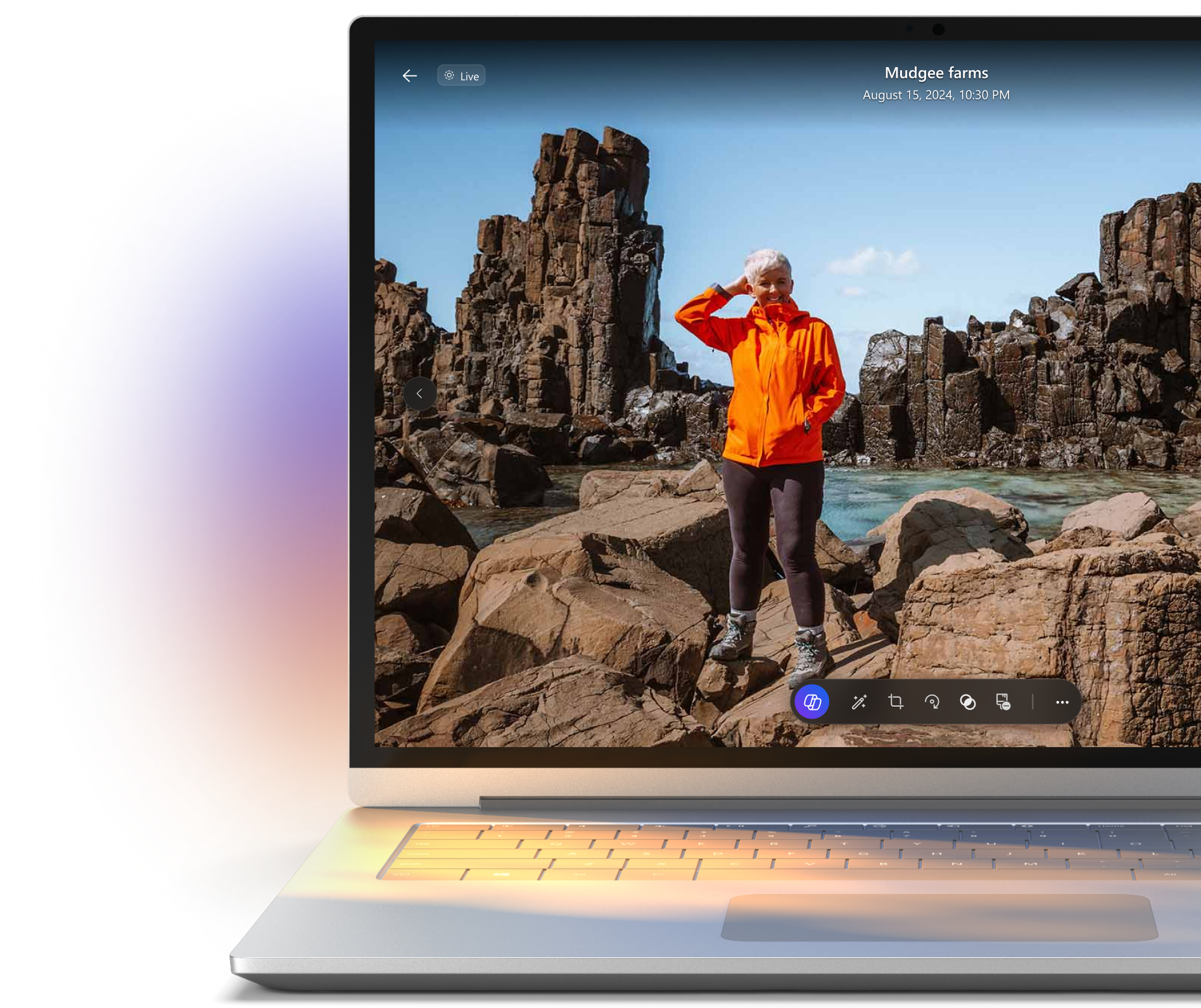
I was tasked with spearheading the early design and product strategy of a new edit experience in OneDrive Photos, navigating an ambiguous problem space and a crowded photo-editing market. This exploratory work resulted in cross-functional alignment and securing leadership buy-in to invest in a more intelligent, assistive editing direction.
BACKGROUND
Product strategy, interaction design, consumer experiences
TEAM
1 PM, 7+ engg, partner team designers
DURATION
6 months
OneDrive Photos has been going through
a metamorphosis
Transforming from a clunky interface with hard white and blue surfaces that stores your office pngs, to a luminious personalized space that can just as well store your vacation memories and birthday albums. All of this is done with an attempt to make it people centric
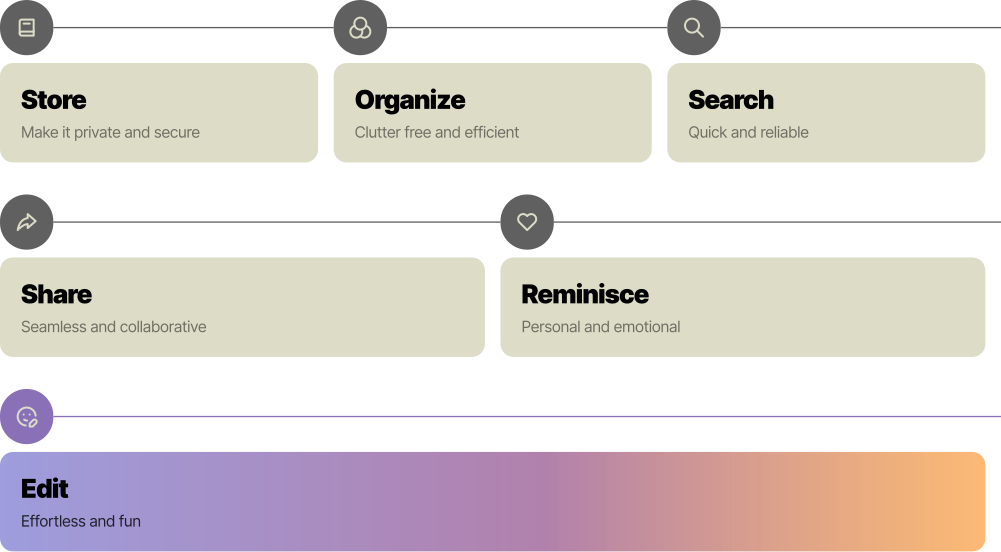
There are many user jobs in a consumer photos app
Right from how users view, store, share, organize and edit photos. While recent releases focused on viewing and reminiscing photos the next wave of focus was to be centered around edit experiences
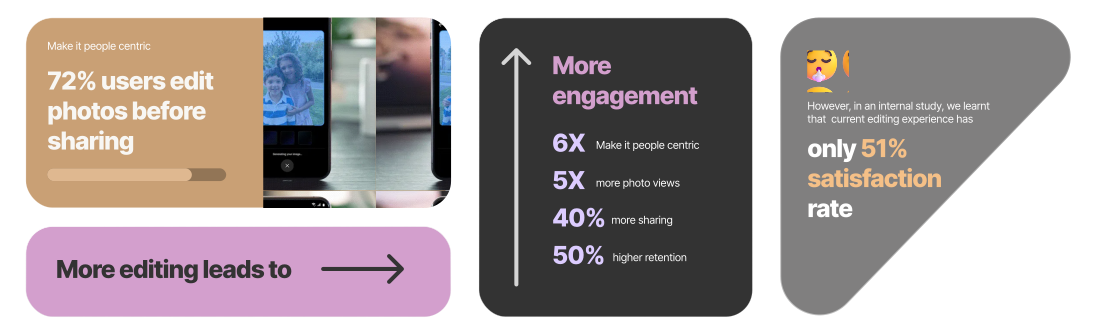
Why bring the focus to edit?
Editing is impretive to users, studies show that higher editing leads to higher engagement. However, current edit experience in OneDrive has been rated as low as 51%.
Also because the current edit experience is lacking
01
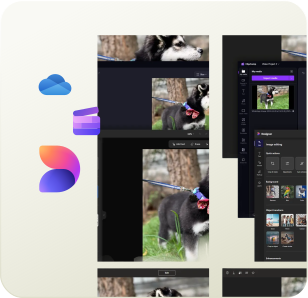
Disjointed experiences across several Microsoft apps
02
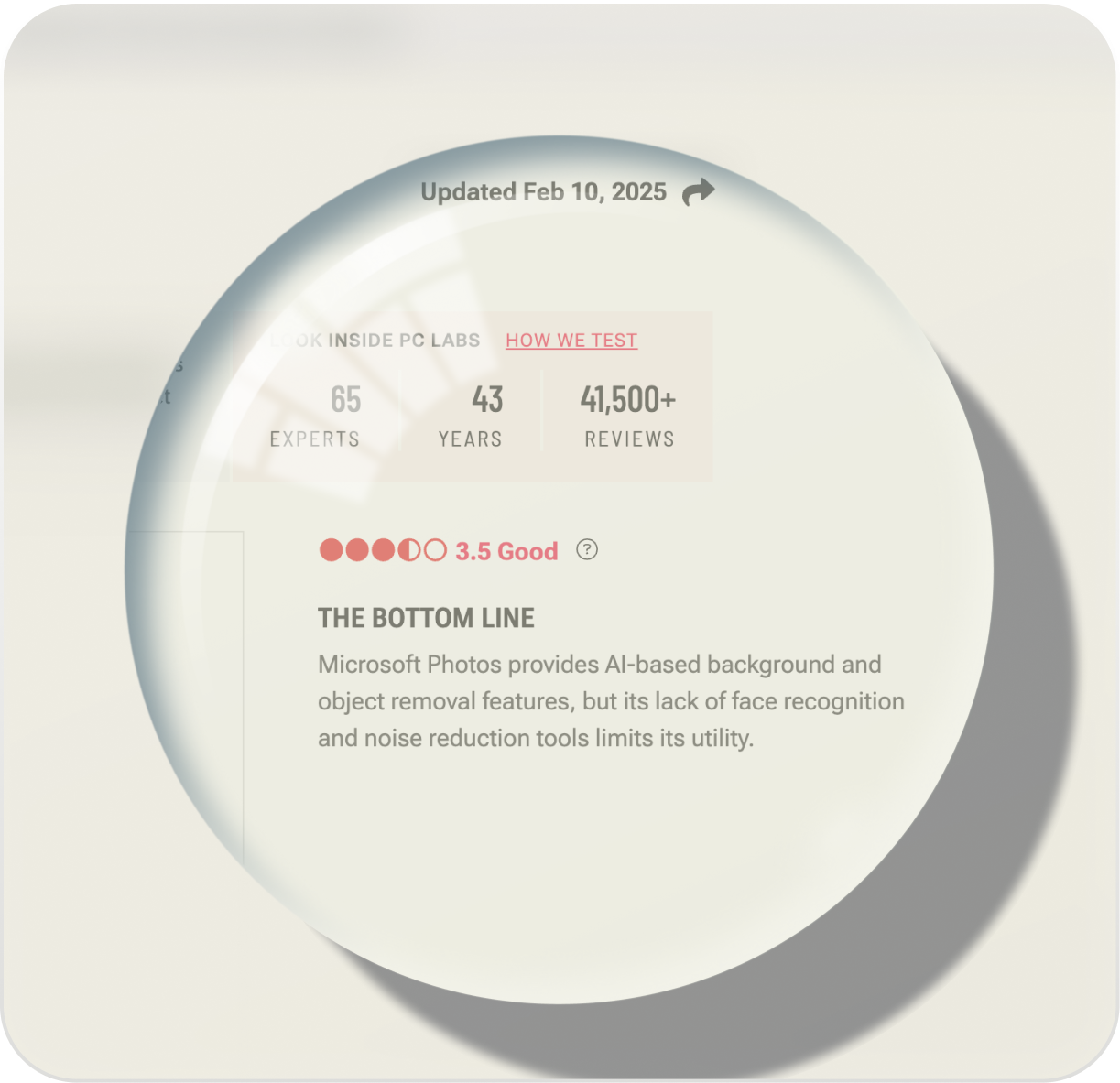
Absence of commonly used features limiting it's utility
03
Apple and Google Photos setting new expectations
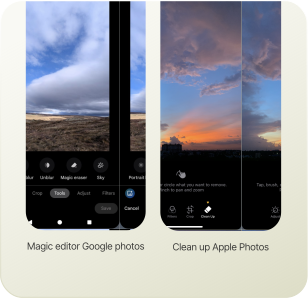
Hence with all of this context, a very open design brief was given to me to 'Improve the current edit experience for OneDrive photos'. My role here was to cut through the ambiguity, drive a clear product strategy and redefine the problem space to give us quick wins while staying grounded to the business goals.
Taming the open brief

Brainstorming to leverage existing wisdom
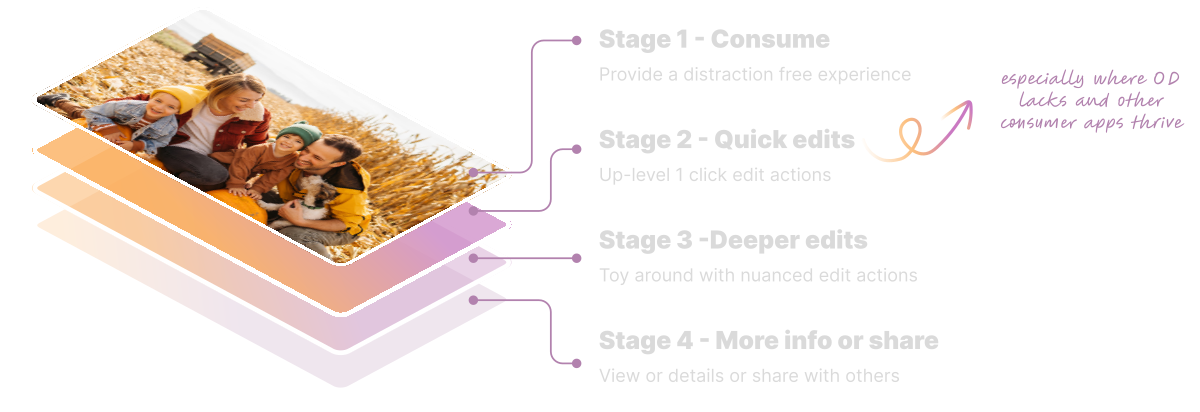
Devising the workshop itself was fun. I structured the edit experience around 5 stages of interaction to examine it holistically & anchored it around user values we wanted to nudge the participants towards.

Synthesizing insights from past studies
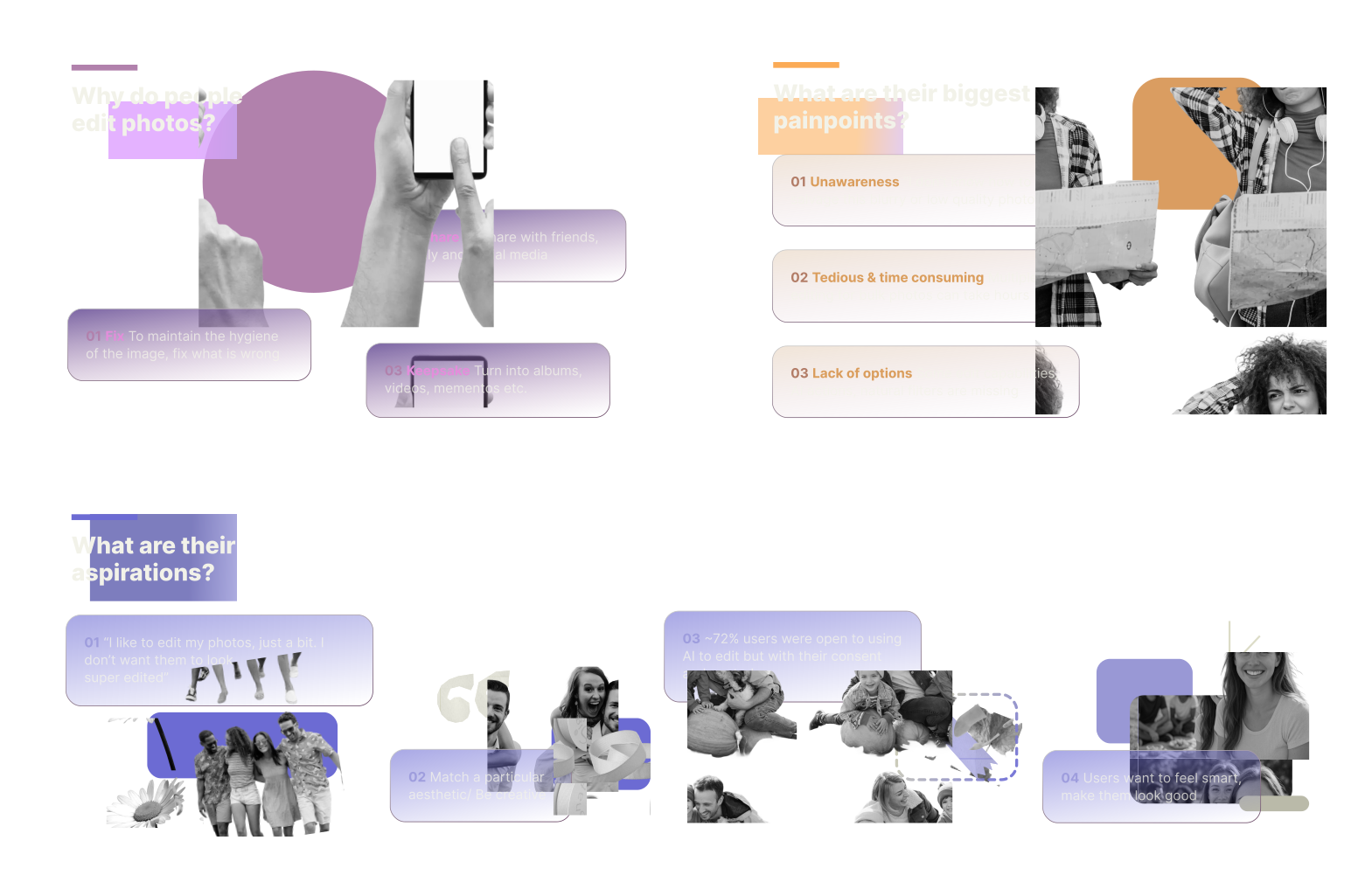
With this groundwork in place, we went onto define our product strategy —
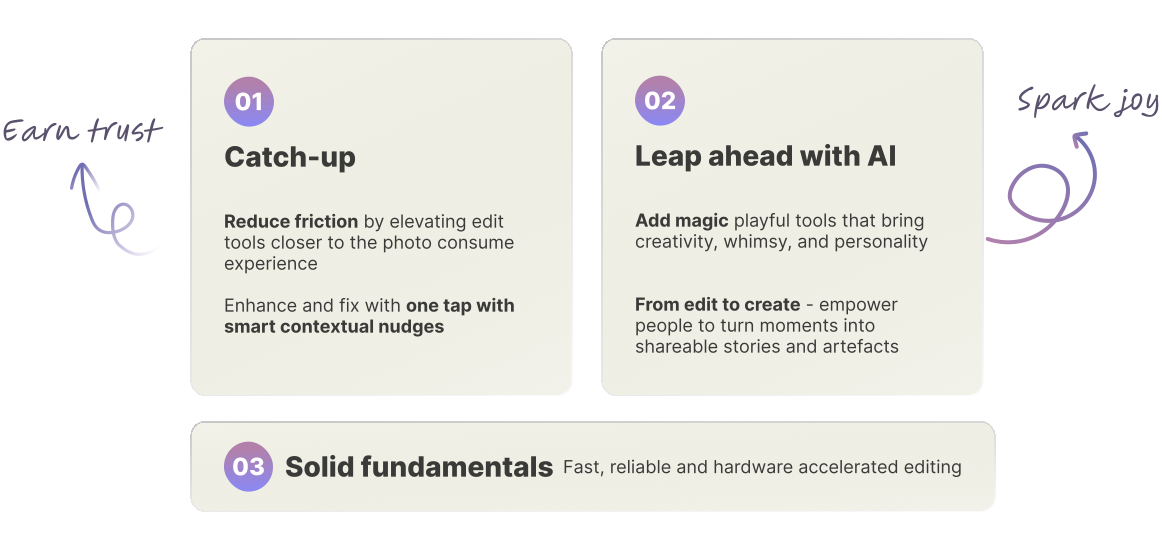
Catch up
Quick edits using headless actions
We looked at photo consumption through stages of interaction, identified quick, one click edits edits as an area ripe with potential
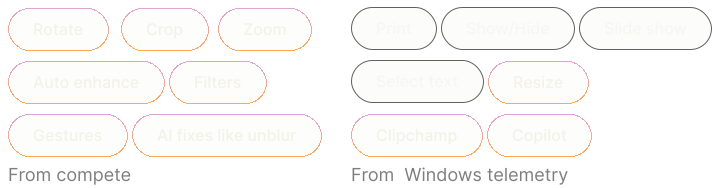
One click headless actions derived from compete & telemetry usage of Windows Photos.
Bottom FAB was already in use, we built on the OD brand and contextualized it for quick edits.
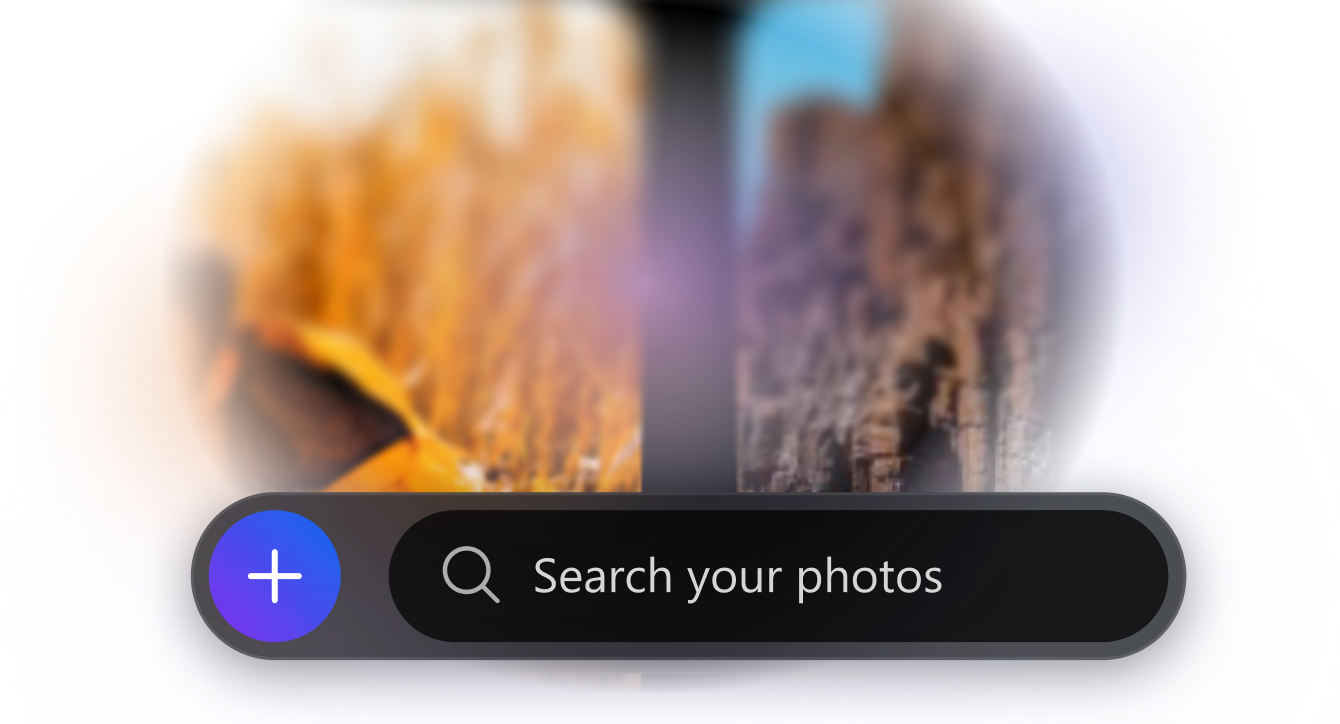
Quick edits using headless actions
We also explored an expansive verion of it
Bottom FAB with only the essentials
Bottom FAB with more quick edit actions like enhance, filters, object removal as well as Copilot
Quick edits on mobile
Contextual nudges
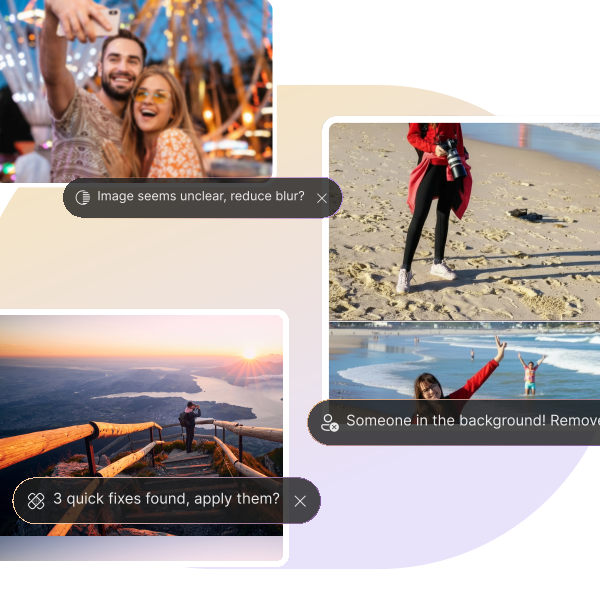
We explored contextual nudges to get users to quickly edit their photos without having to dig into the menu tray of edit options. Here OneDrive suggests improved lighting for the picture.
Other nudges that use humane language to suggest fixes
Nudges to foster create capabilities — compile best photo
Further nudges to optimize repeat edits across multiple photos
Editing with gestures
Basic gestures: crop to selection, double-click to zoom
Gestures for new capabilities: long-press to select an object
Novel gestures: cursor shake to activate selection brush
Leap Ahead with AI
What actions can we offer?
A key exercise involved reviewing different photo types and identifying the edits they naturally called for, independent of existing tools. These actions were then grouped to inform a new IA.
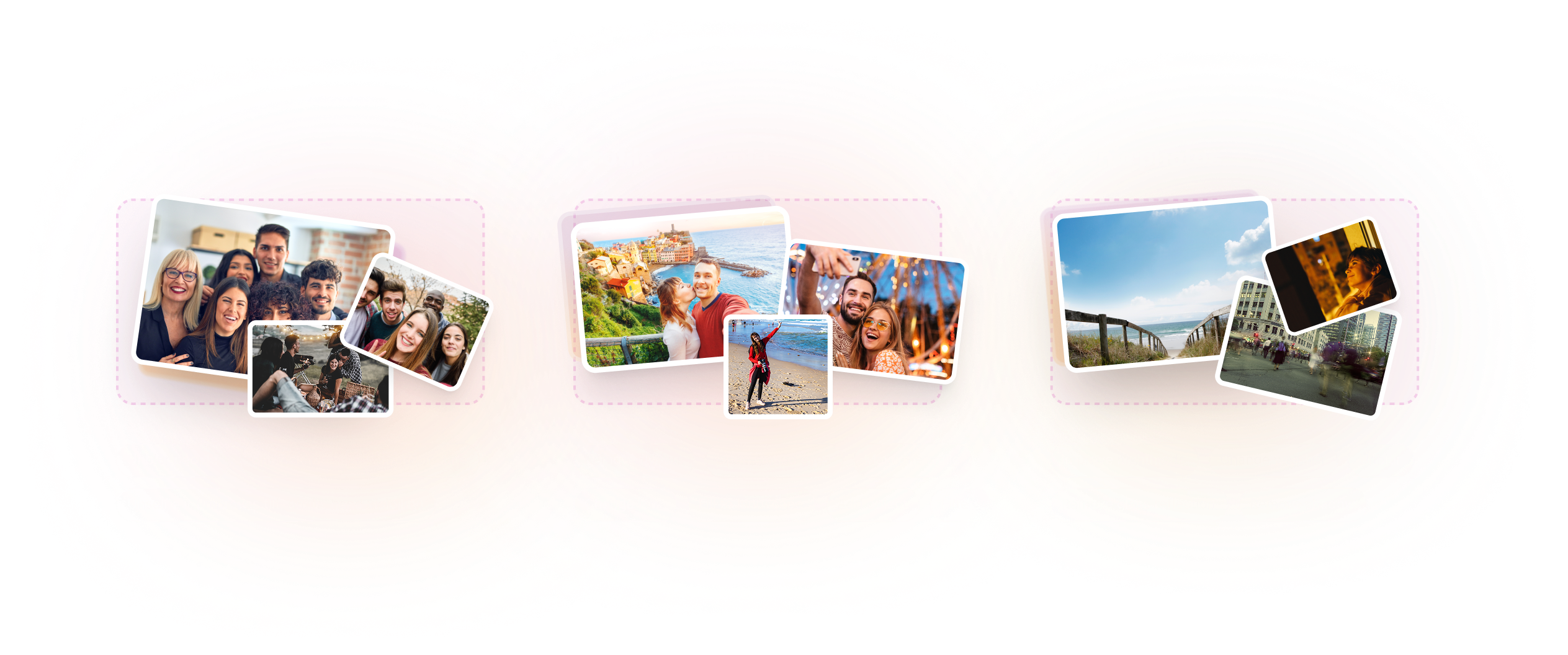
Emerging concepts
Contextual edits (for people, docs, or scenes) along with basic edits
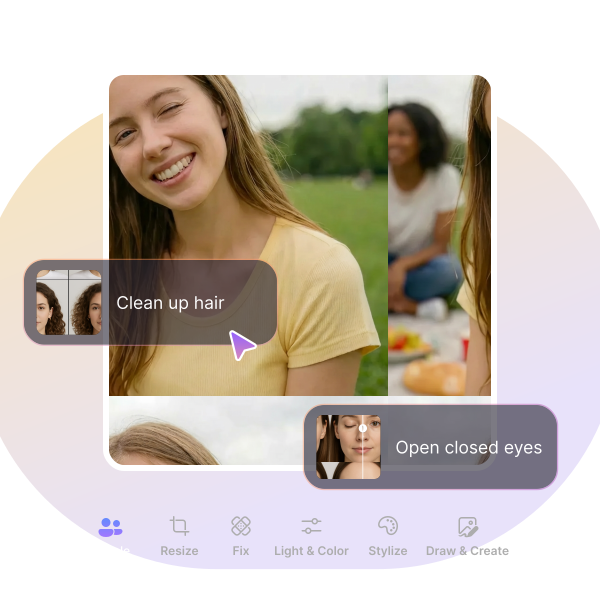
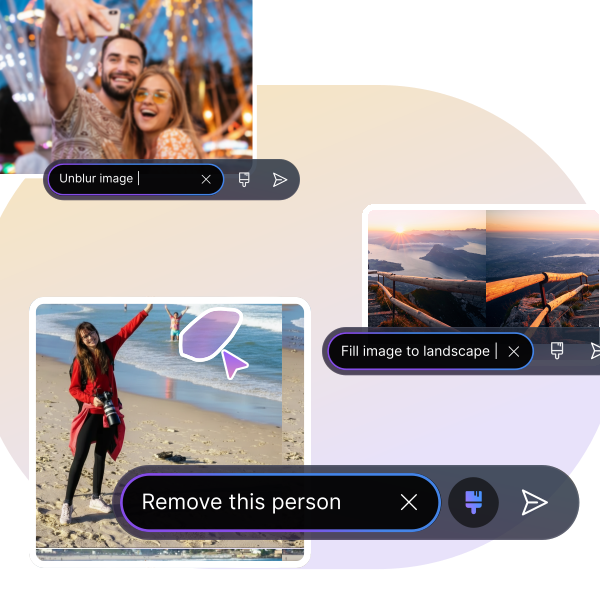
Conversational photo editing powered by LLMs
Playful concepts that liven static images to bring user delight
Feasibility check
At this stage of exploration we ran a feasibility check to test effort and impact. NLP editing stood out here.
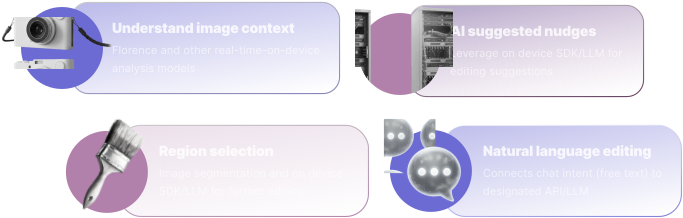
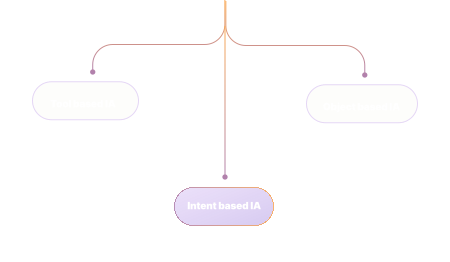
New edit, meaningful IA
For new edit— tool, object and intent based IA's were explored and the latter was chosen
Conversational editor in action
Lending the experience on mobile
Selected works